Board Assembly
Turning a fabricated BitTag board into a tag ready for deployment: dressing the board, programming it, attaching and insulating the battery, conformal coating, and the final check. The procedure below is for BitTag; other families differ in the programming binary and in case fit, not in the bench work.
Source
Adapted from Preparing Bit Tags, written by the field team in March 2023, with revisions through July 2023. It records what was actually done at the bench, including the alternatives that were tried and the ones that were only suggested. Where a step is marked untested, it has not been through a full batch.
Before you start
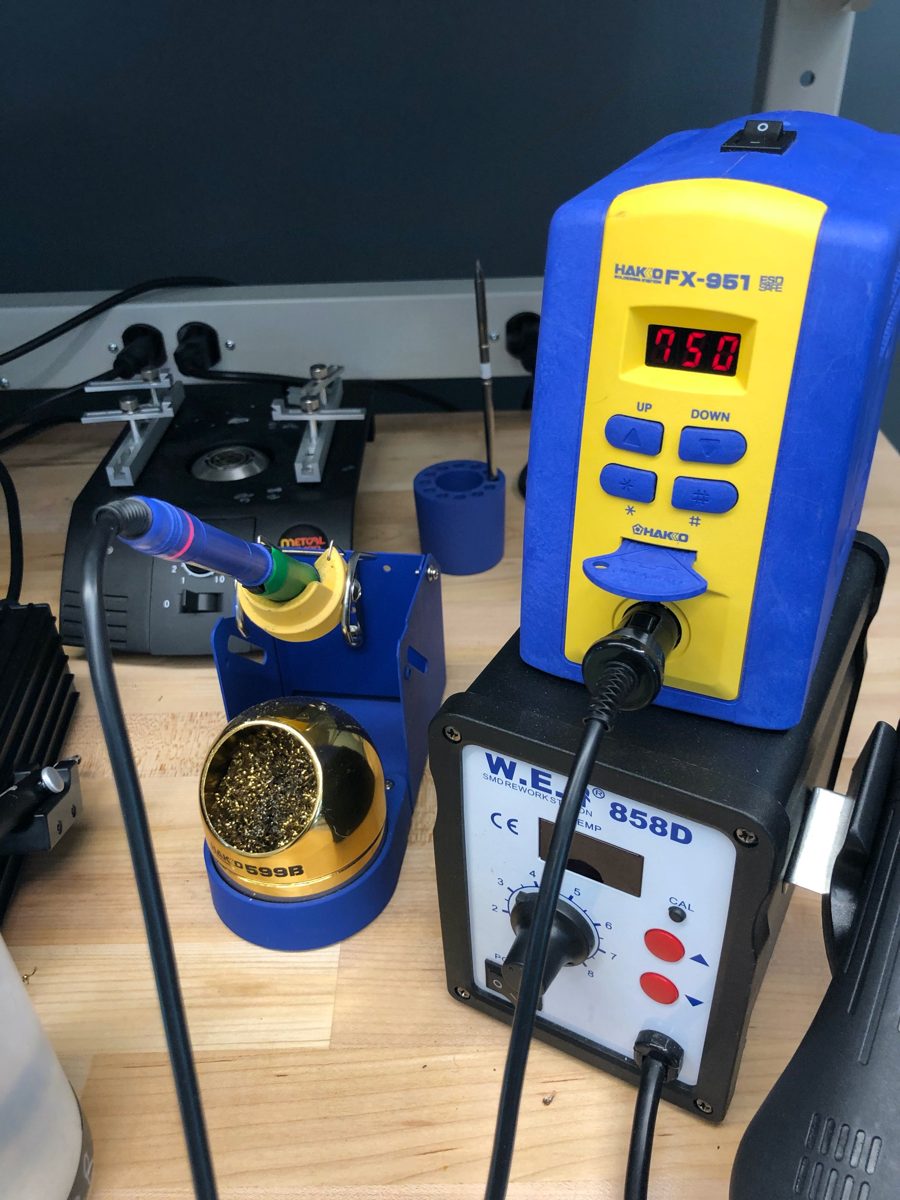
The bench needs a temperature-controlled soldering iron with a fine tip, fume extraction, magnification, and a non-conductive work surface such as a manila folder or cardboard.
| Item | What was used |
|---|---|
| Soldering iron | Hakko FX-951 with a T15 ILS fine-point tip, set to 750 °F |
| Solder | Leaded rosin-core, 24 gauge (0.02–0.025 in) |
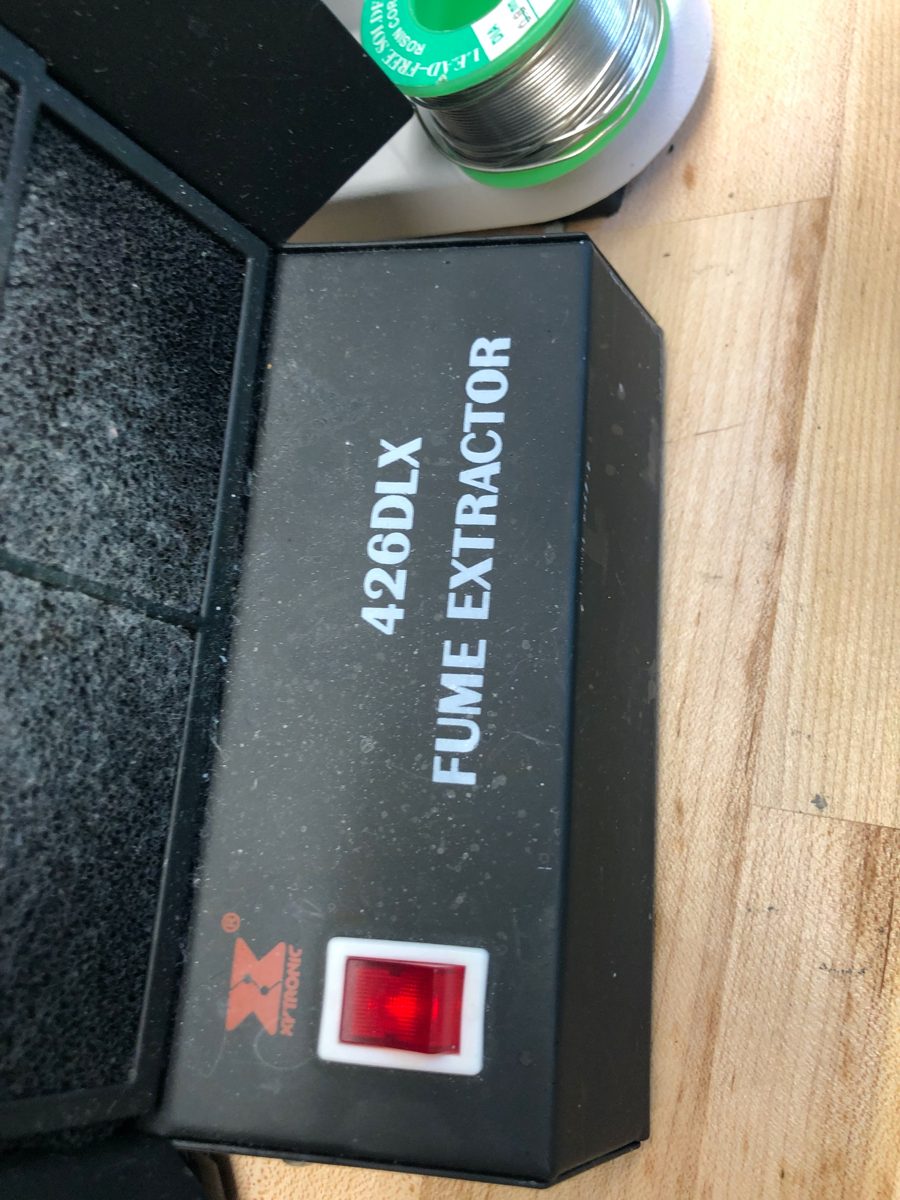
| Fume extraction | Xytronic 426DLX, or a fume hood |
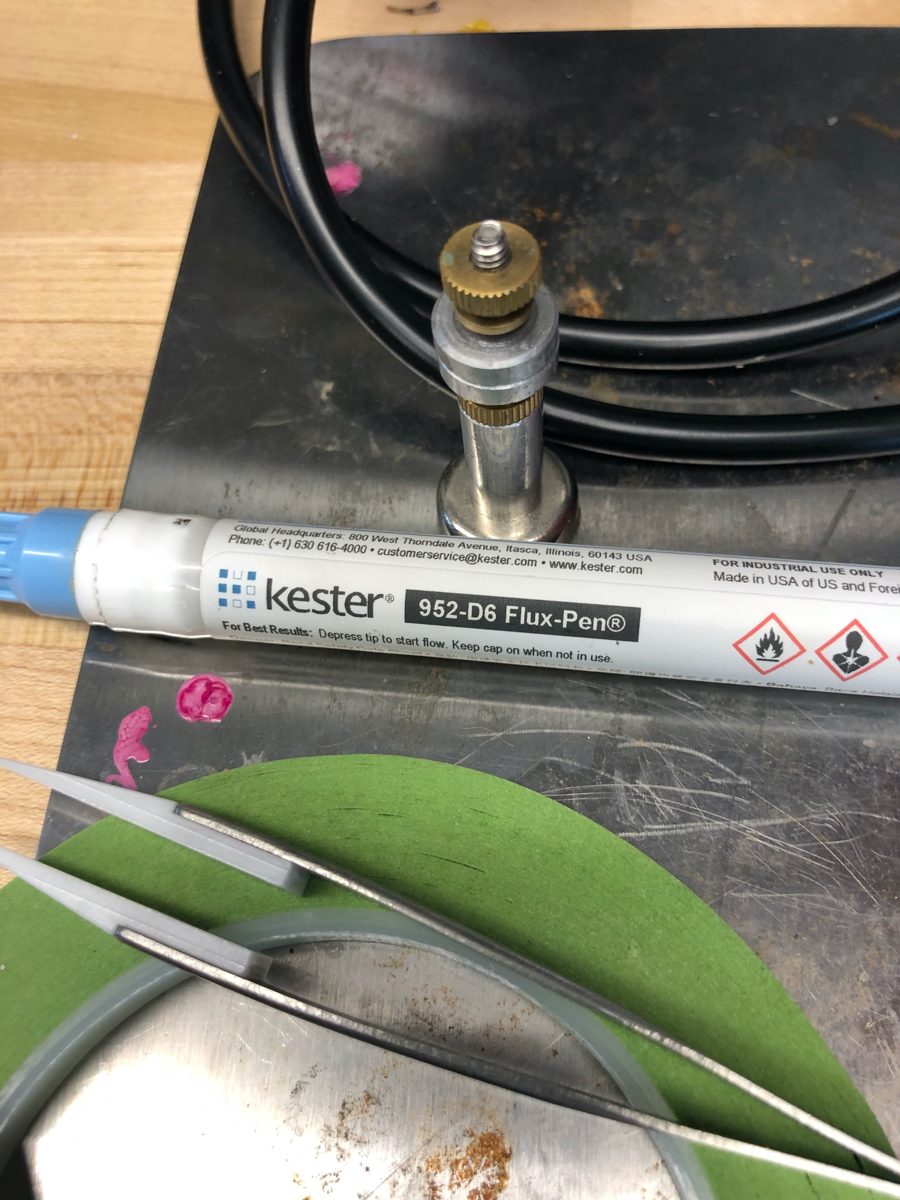
| Flux | Kester 952-D6 flux pen |
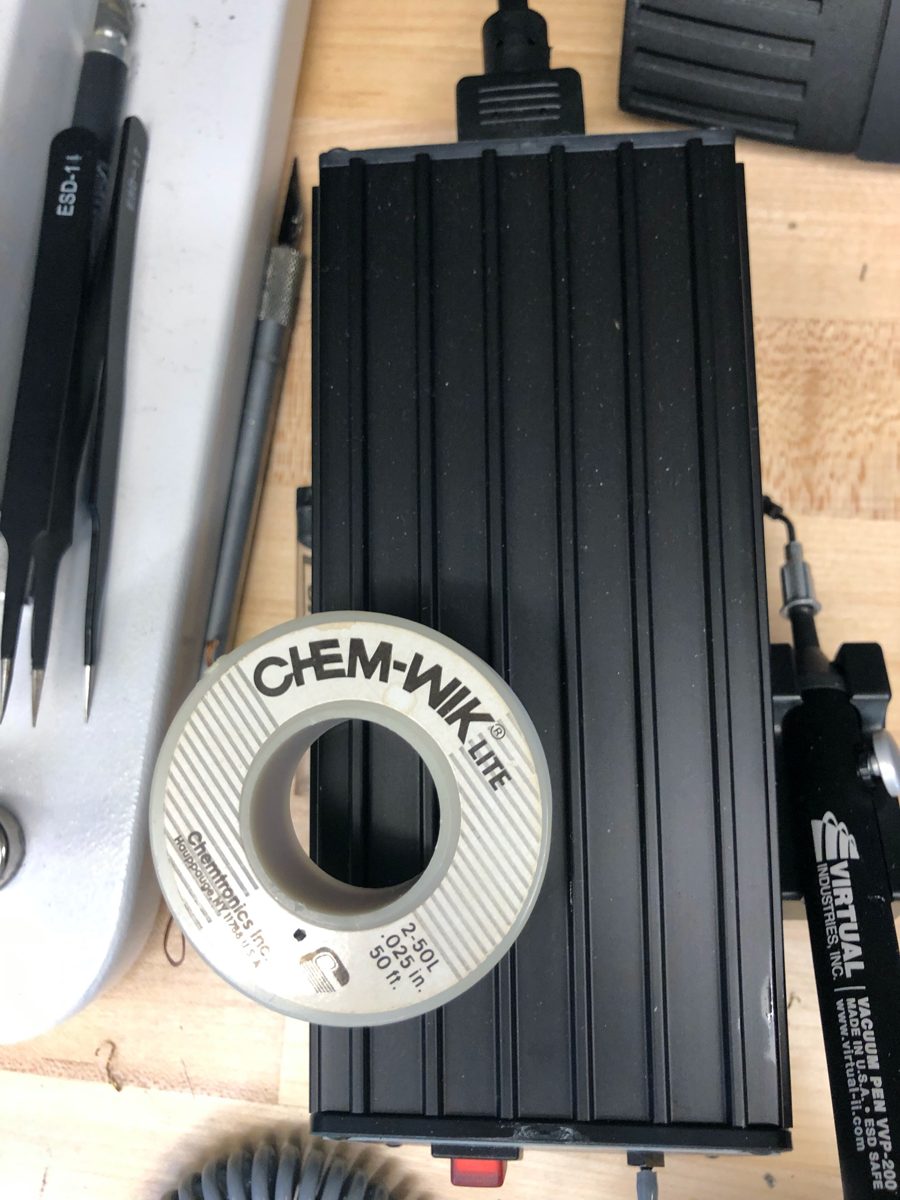
| Solder wick | Chem-Wik Lite, 0.025 in |
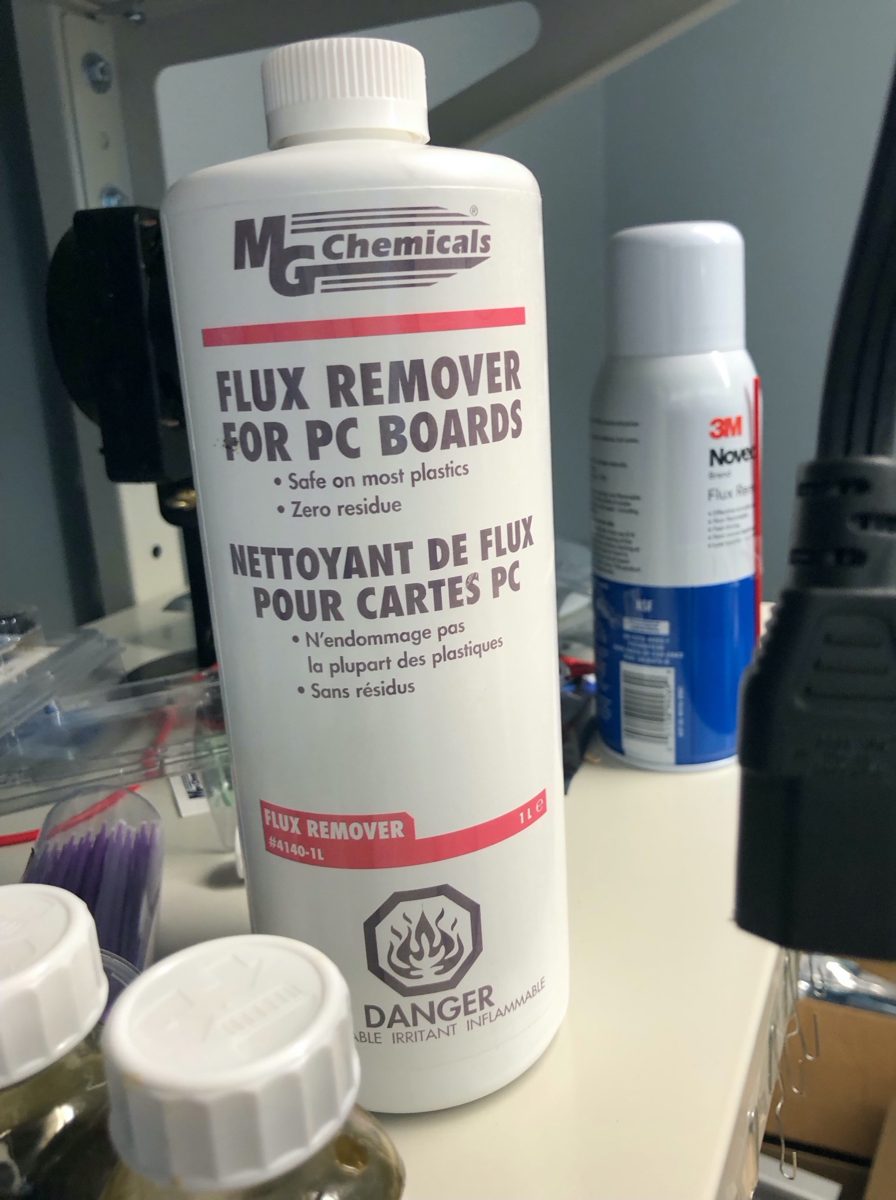
| Flux remover | MG Chemicals flux remover for PC boards |
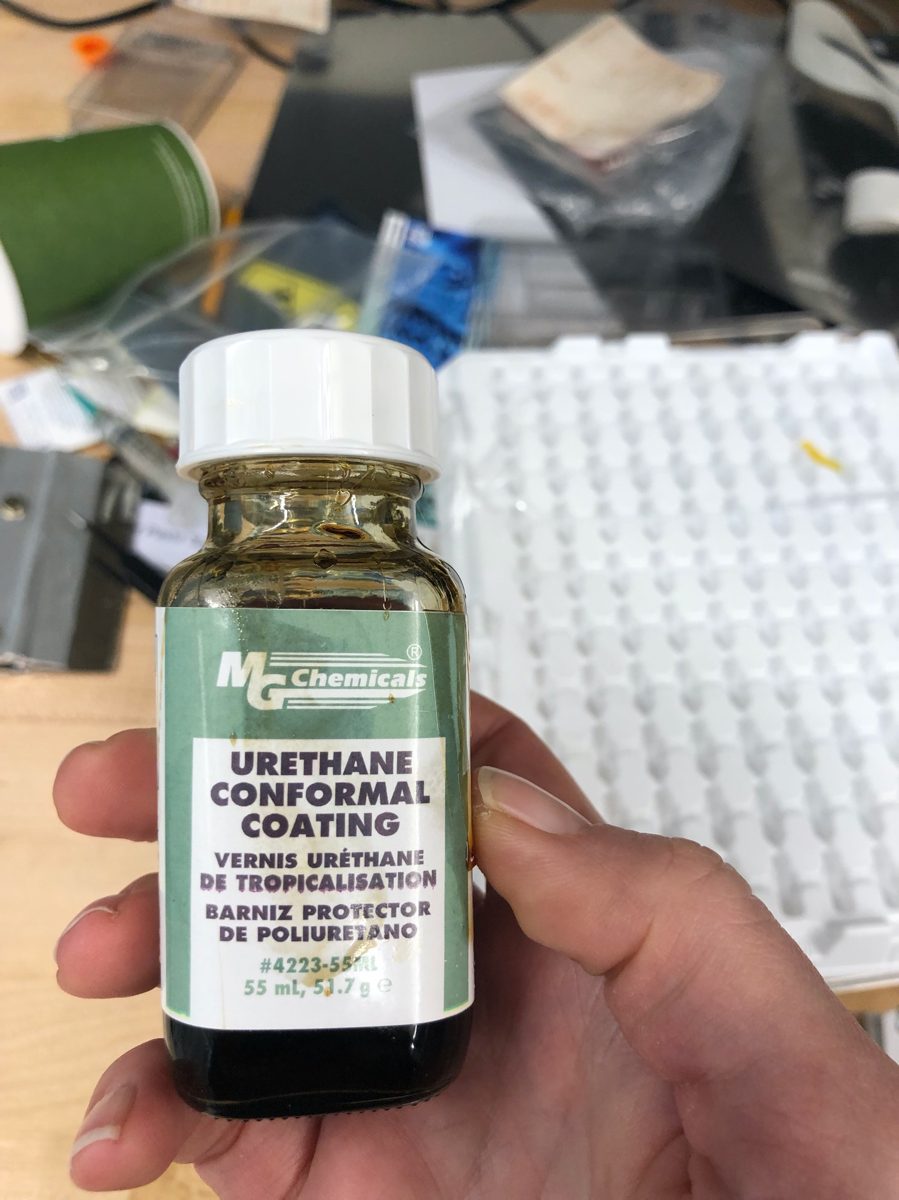
| Conformal coating | MG Chemicals urethane conformal coating (see the note under Coating) |
| Insulation | 3 mm Kapton tape, or liquid electrical tape |
| Masking tape | Auto-body masking tape, 3/8 in (1/4 in also works) |
| Tweezers | Ceramic-tipped, to avoid metal-to-metal contact with the board |
| Hanger wire | Green 24-gauge floral wire |
1. Dress the board
Boards come back from fabrication with excess fiberglass, often on all four sides. File it off with a small needle file until each side is flat.
This matters more than it sounds: a board with rough edges will not seat properly in the programming base.
2. Program and test
You will need STM32CubeProgrammer and the BitTag .elf binary. Either the
graphical programmer or a shell script works.
- Put the tag in the programming base.
- Graphical: press Connect at the upper right and confirm it reads the
device successfully. Erase the tag, then download the BitTag
.elf. - Command line: run the programming script, correcting the paths to the ST programmer and the binary if they do not match your machine.
- Check that clock drift looks small and that the self-test reports All Passed.
Expect drift now, not later
A fair amount of clock drift at this stage is normal. Drift still present at the final check, after coating, is a sign something is wrong with the tag rather than with the measurement.
Record the tag's UUID while you have it on the programmer — see Record keeping.
3. Label
Each tag gets a two-digit alphanumeric code, printed on a label maker (Brother P-touch) with black type on 9 mm white tape.
- Set the font to 9 pt; Helvetica works.
- Put about three spaces between codes so there is room to cut.
- Underlining the text makes the reading direction obvious.
Cut the tape to size and stick it to the processor — the large chip on the battery side — then smooth it down with a wooden stick. Hold and position the label with tweezers rather than fingers; an x-acto blade helps peel the backing.
Orient every label the same way. It costs nothing at this stage and saves confusion in the field.
4. Attach the battery
Insulate the battery
The battery is wrapped before it is soldered, so that nothing but the terminals can touch the board.
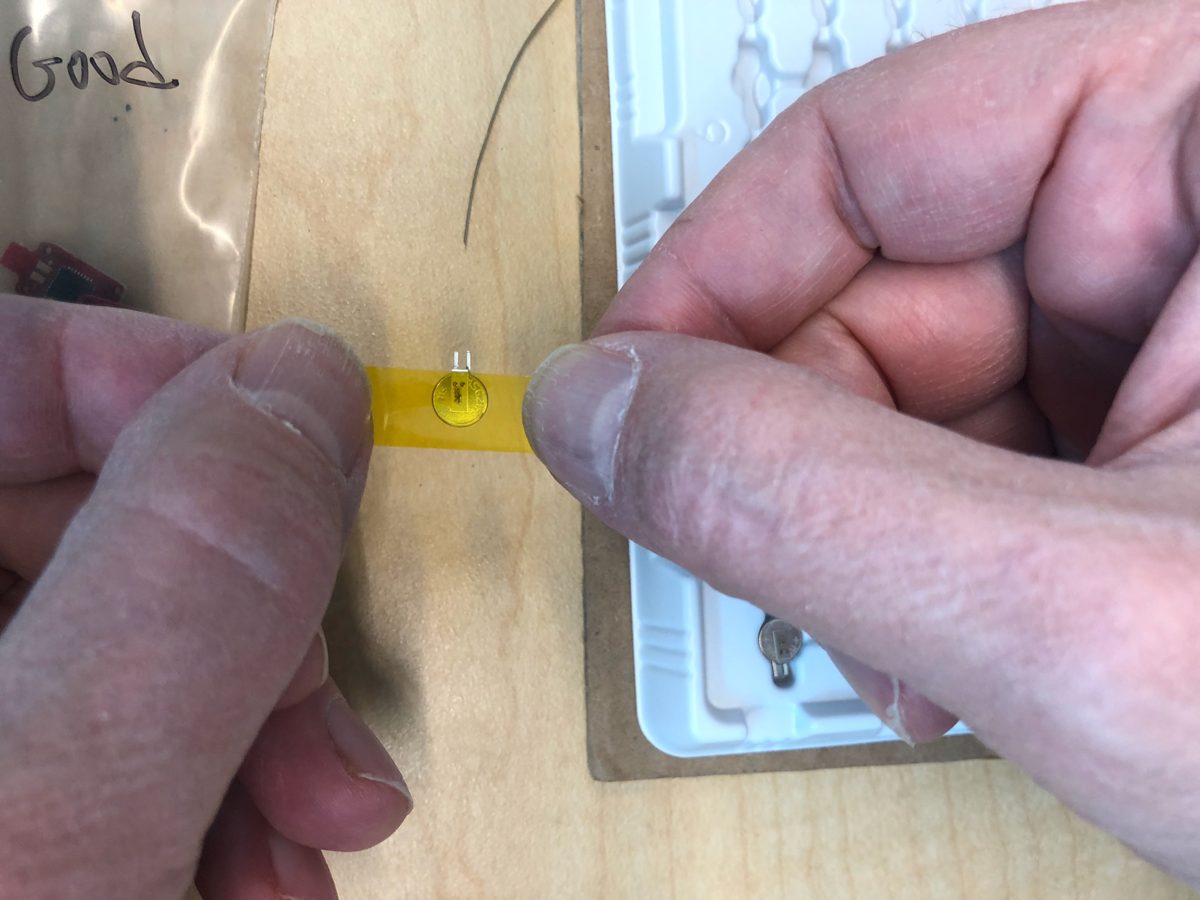
Use Kapton tape wider than the battery, so the excess can wrap over the top.
- Stand the battery with its terminals flat on the table, pointing up.
- Cut a long strip of Kapton, holding it at both ends and avoiding the part that will touch the battery. Lay it over the round face, clear of the terminals. Do not cut the strip too long — it curls and sticks to itself.
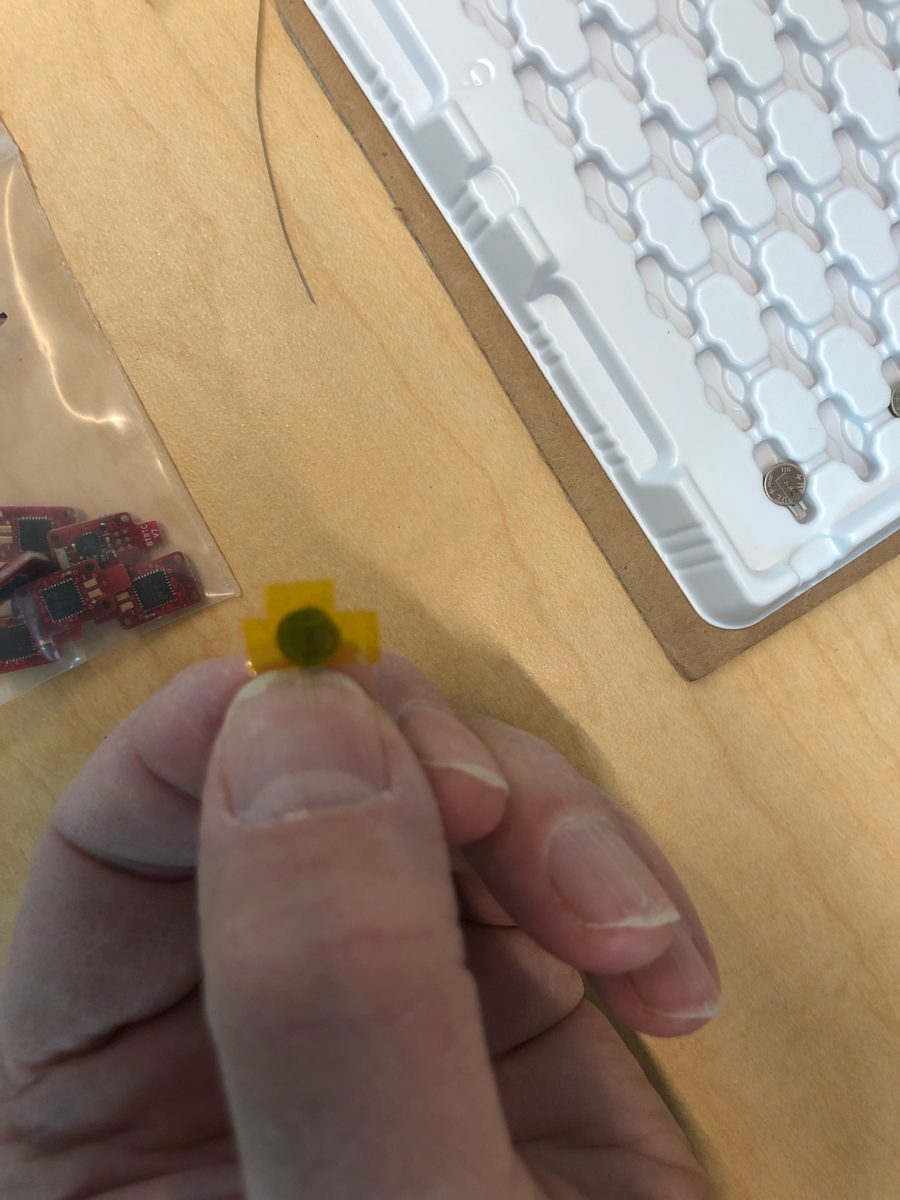
- Pick the battery up by the terminals and trim the excess so the tape forms a T. Sharp sewing scissors cut it cleanly.
- Fold the top piece down, then the sides, smoothing as you go. Aim for the tape just overlapping on the back, with nothing standing up at the corners.
- Rub the edges down, check that no tape touches the terminals, and return the battery to the tray.
Warning
Tape must not make contact with the battery terminals. Keep fingers off the adhesive that will touch the battery; use tweezers or a wooden stir stick to position it.
Alternatives to Kapton
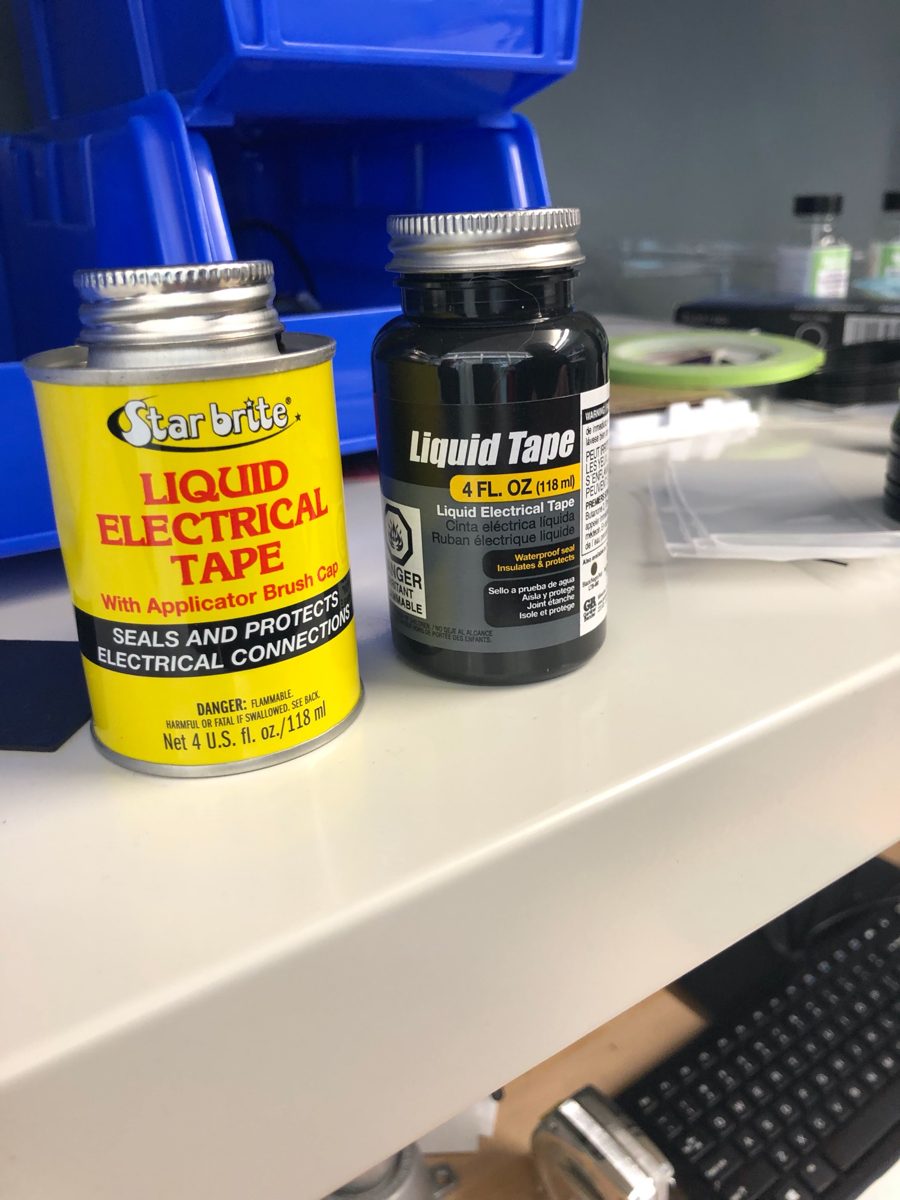
Liquid electrical tape was piloted on two tags and worked well. Fold a small piece of thin auto-body masking tape over the terminals, hold the battery by those masked terminals, and paint the liquid tape over the rest. Hang it to dry by a long piece of tape attached to the masked terminals. It was workable after about an hour; overnight is better. A second coat may be worth trying if it does not add too much weight — untested.
Thinned and dipped. Pour a small quantity of liquid electrical tape into a plastic medicine cup, thin it with a few drops of naphtha — not too much — and dip the battery with the leads masked off.
Clear polyurethane varnish, brushed on, was suggested as a way to help bind everything together. Untested.
Solder it on
Work on a non-conductive surface under a microscope or opti-visor.
- Apply flux to the battery attachment points on the tag.
- Cut about an inch of auto-body masking tape and place it on the back of the tag by the battery stem — the "diving board". Working in your hand rather than on the bench, position the battery, hold it with a thumbnail on the terminals, and wrap the tape around to hold it. The terminals should sit over the copper contacts.
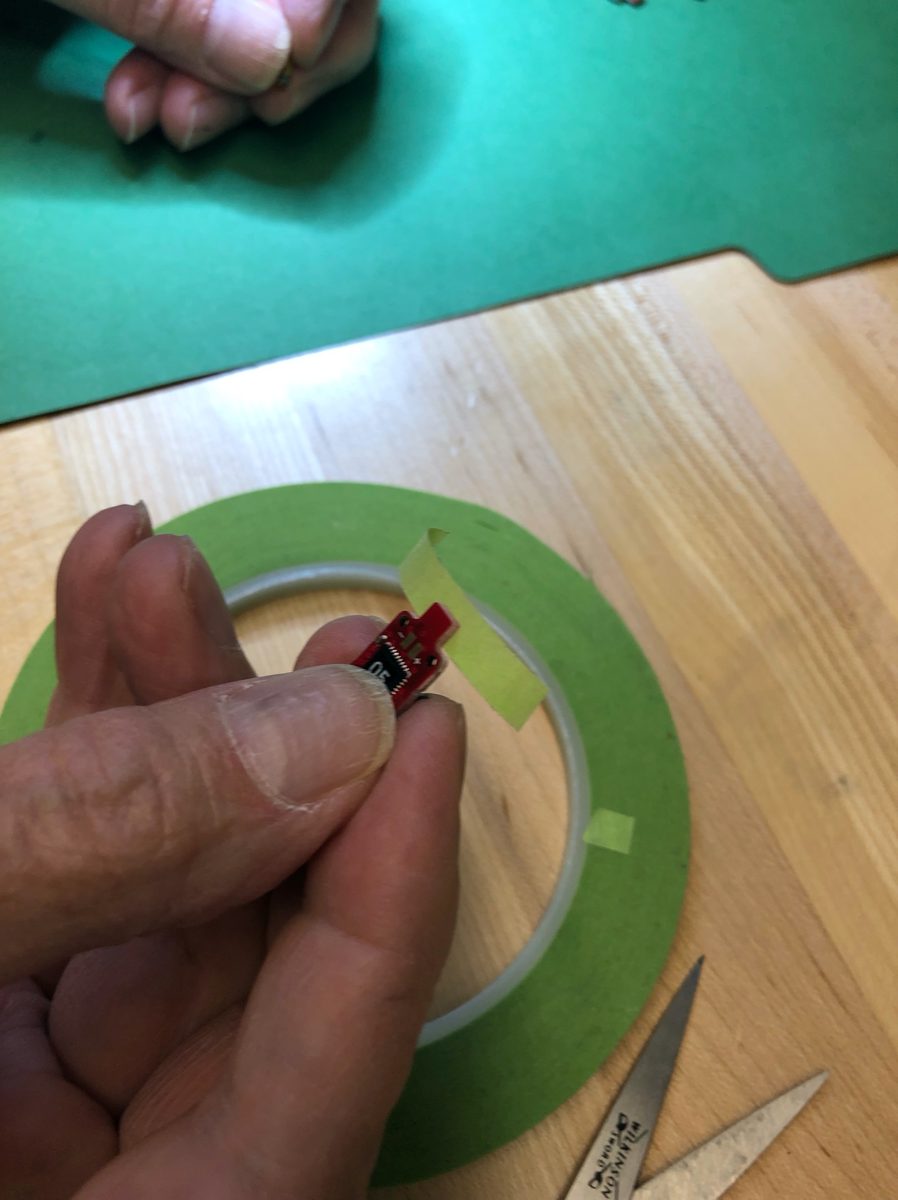
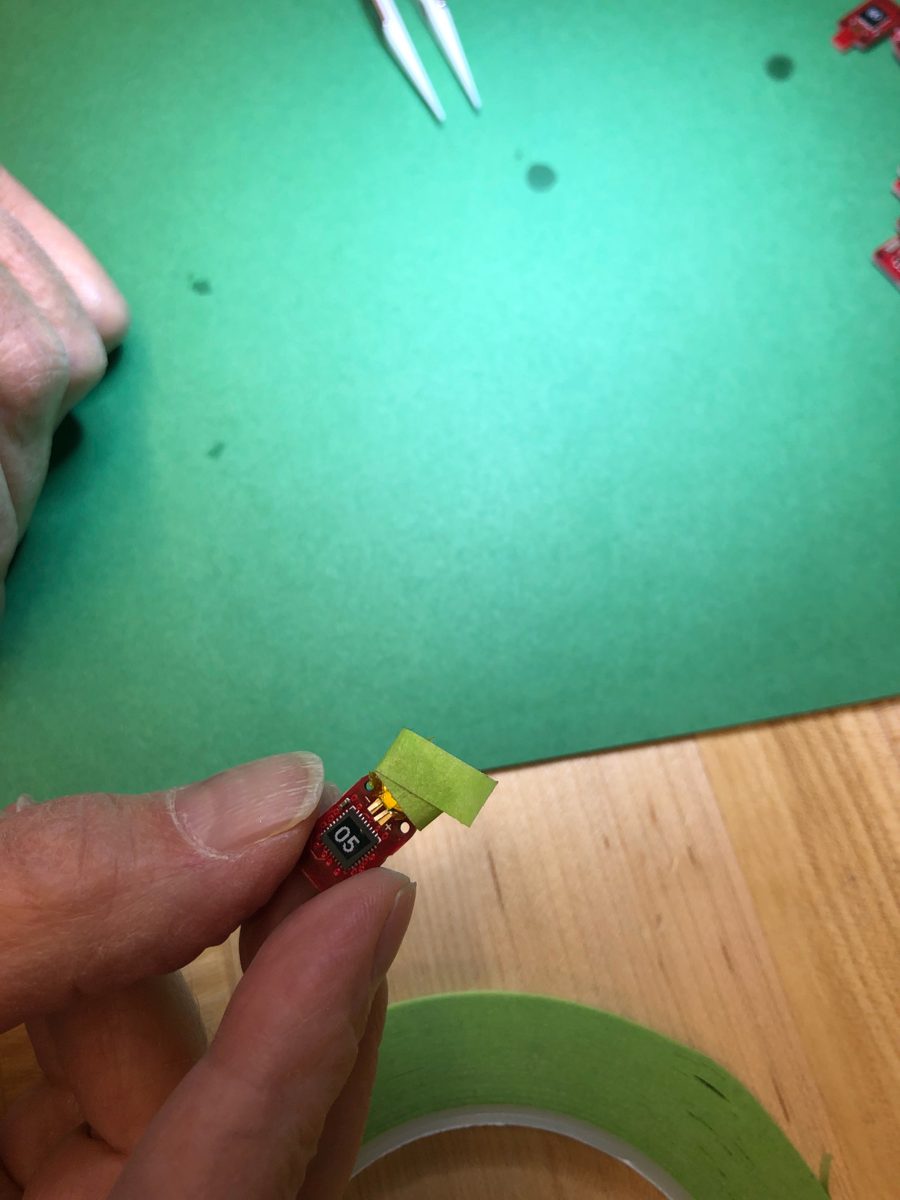
- Position a terminal on its contact with the iron and heat for 5–10 seconds. Touch the solder, and withdraw it once it starts to flow. Smooth and spread with the iron, adding solder if needed, until the contact area carries a thin, even layer.
- Hold the battery with your thumb as you remove the iron, pressing near the terminals. Pressure at the far end can lift the terminals off the contacts.
- Repeat on the other side. You can leave the first side imperfect, do the second, and come back to clean it up.
- Check the work: terminals flat, contacts fully covered, no clumps, terminals far enough down the tag to maximize contact. The solder should be shiny and smooth.
- Remove any excess with clean solder wick — lay it over the joint, heat it with the iron, then cut off the used length and repeat.
Minimize heating time
Every second of iron on the board is heat into a tag you cannot replace. Keep the tip clean of excess solder as you work.
5. Coat the tags
Prepare
- Clean the soldered area with flux remover on a cotton swab.
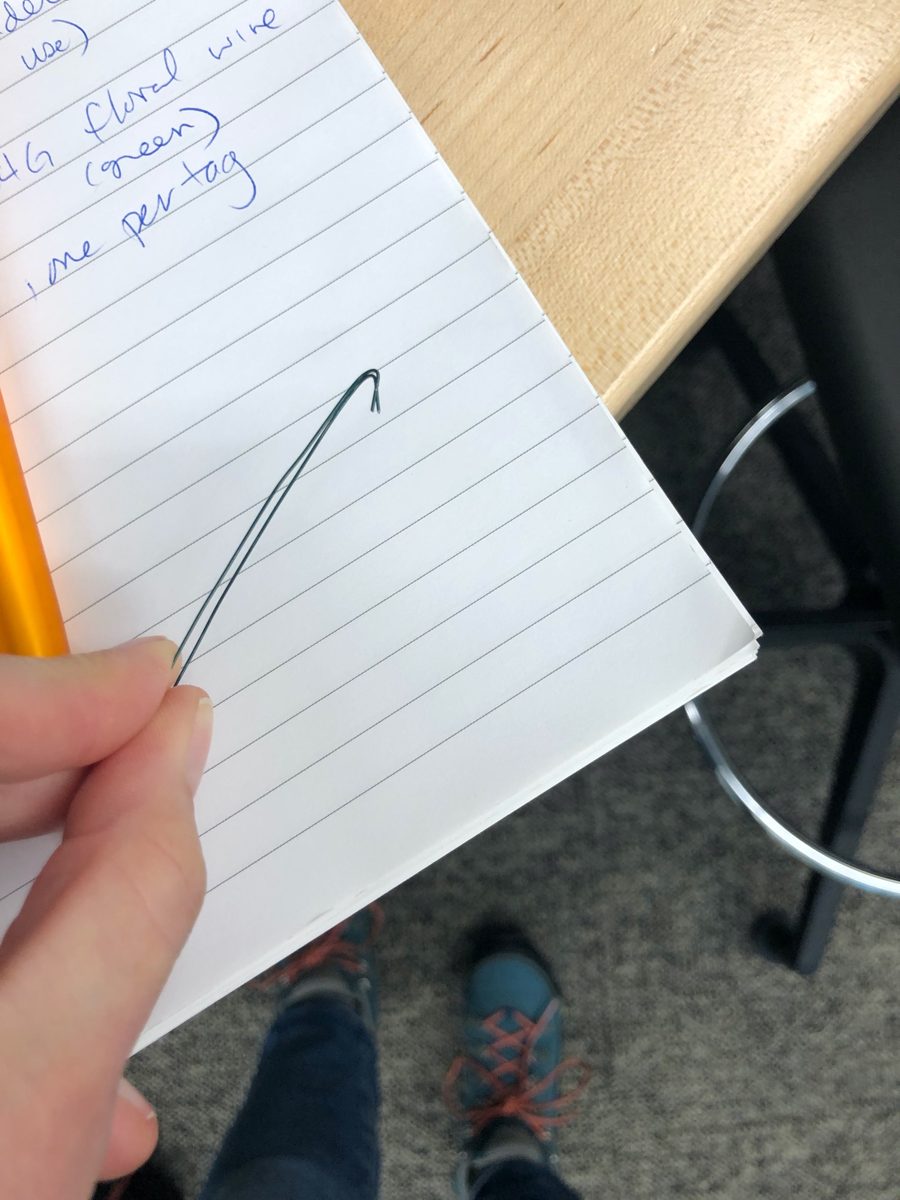
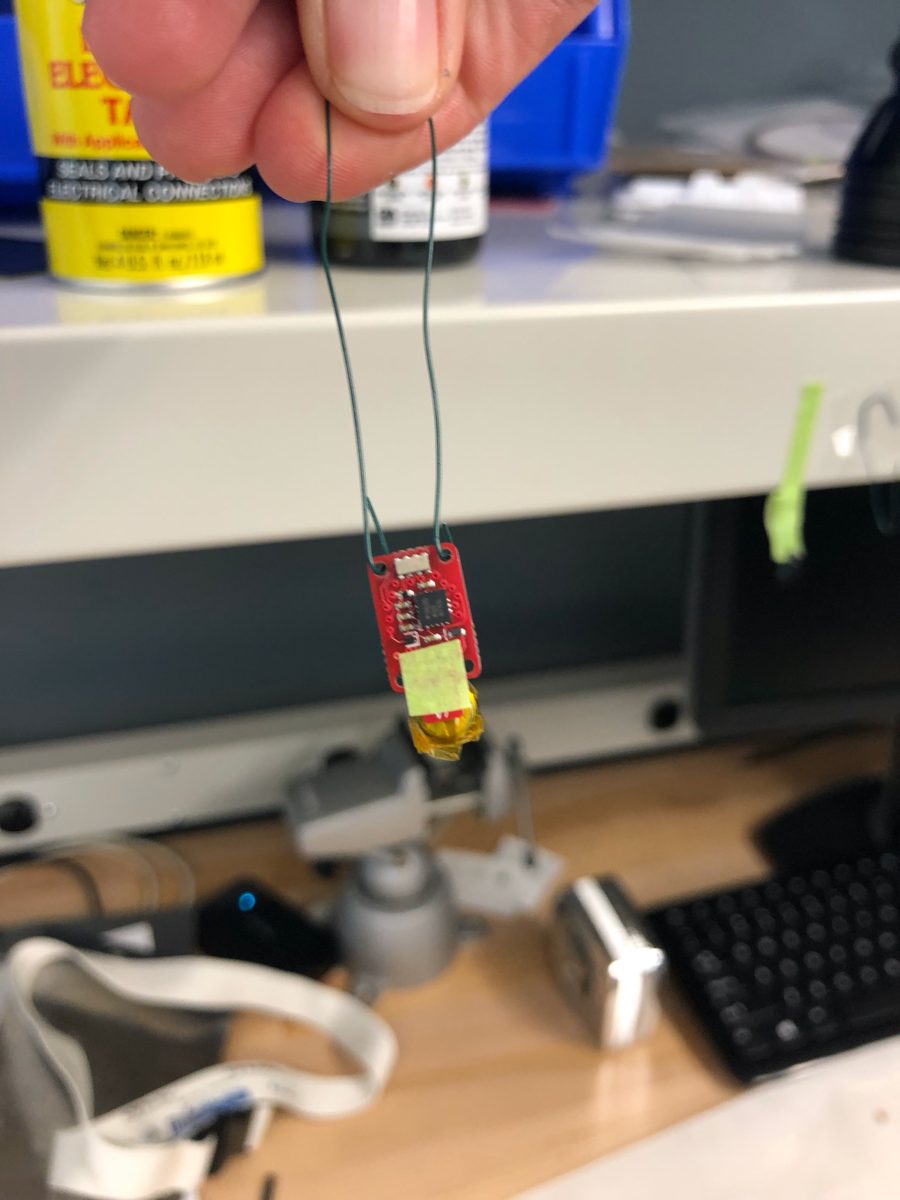
- Make hangers: cut 6–8 in lengths of green 24-gauge floral wire, fold each in half, and bend hooks into the ends with needle-nose pliers.
- Mask the six copper contacts with a square of masking tape, positioned with tweezers and smoothed with a wooden stick. The tape should be only slightly wider than the contacts and must not hang over the side or cover anything else. Take care not to knock other components.
- Hang the tag with the battery pointing down and the tag facing forward, then place it on the hanging rack with paper towel beneath.
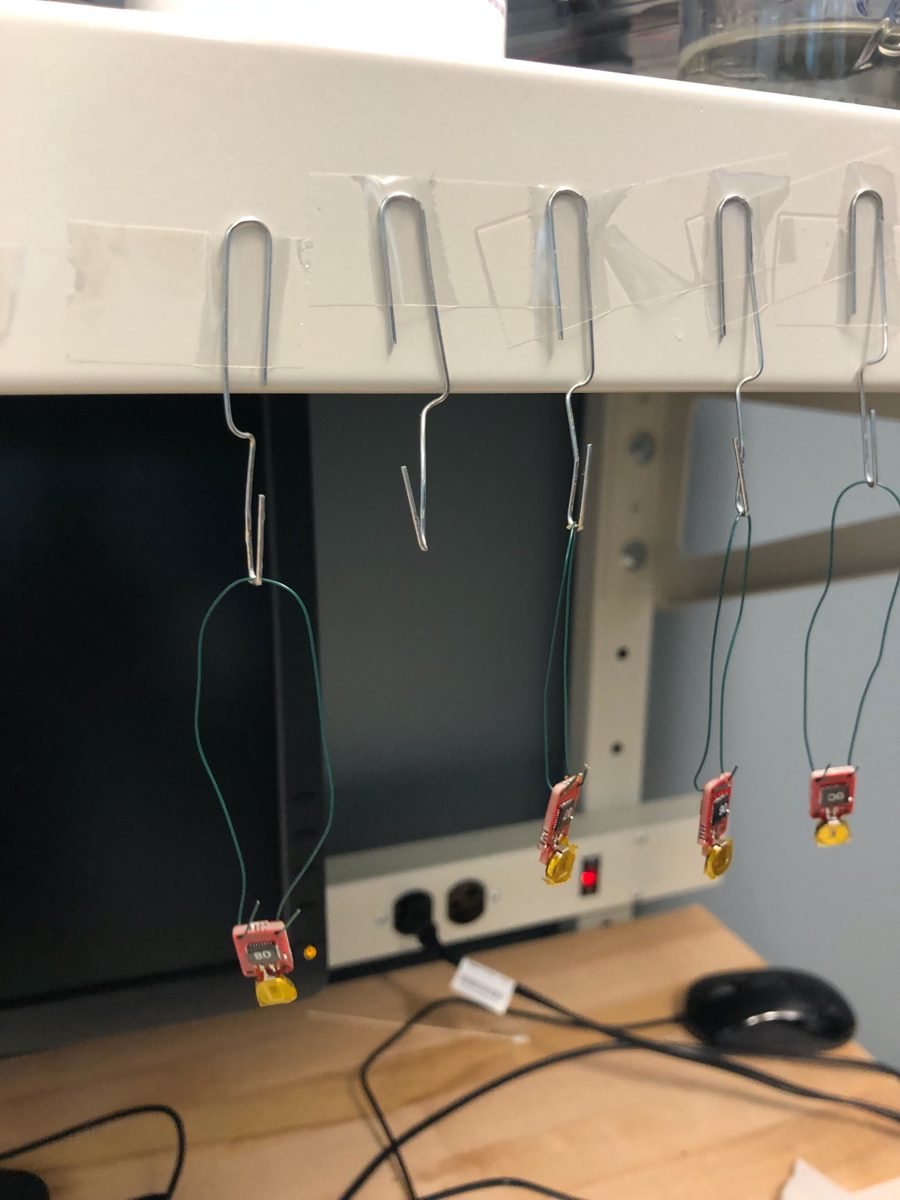
Dip
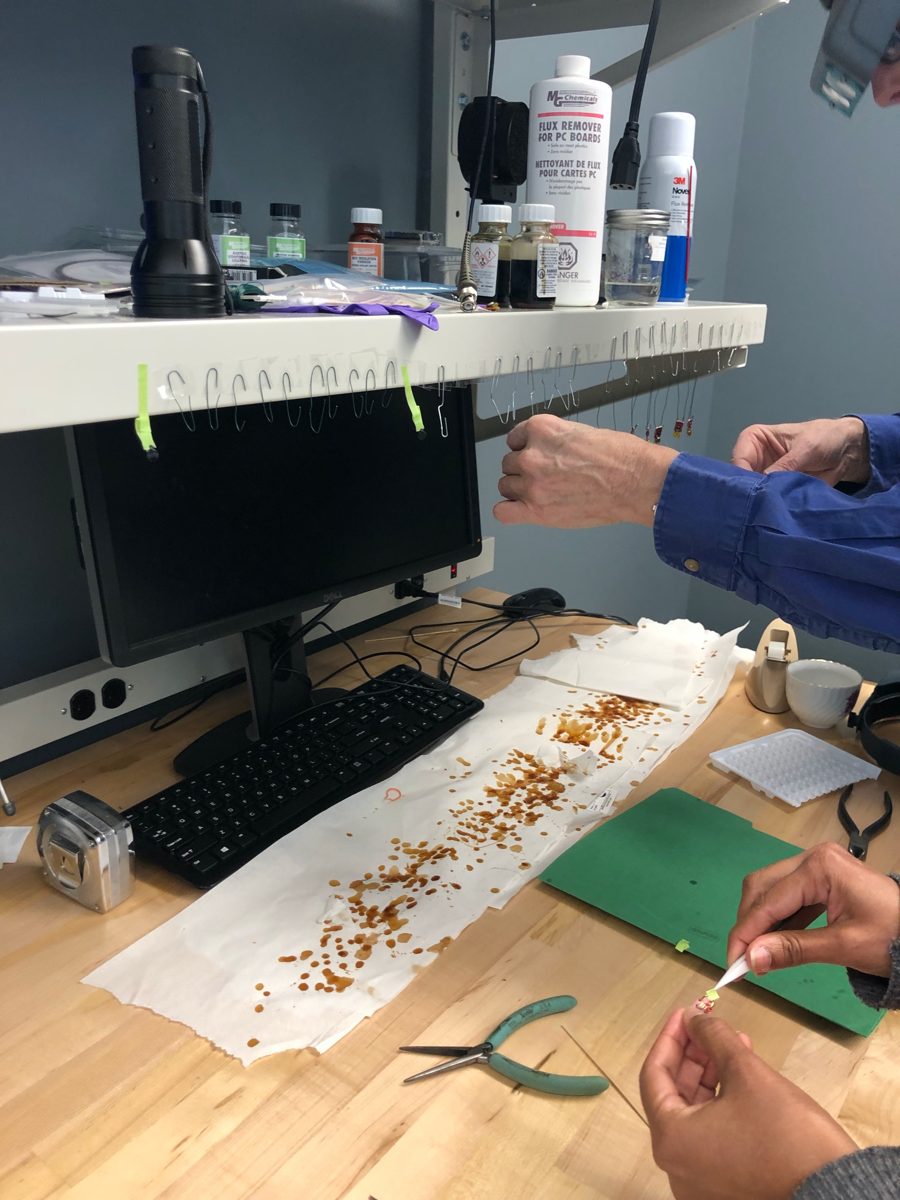
Dip the tag to fully submerge it, hold for 3–4 seconds, let it drip back into the jar for a couple of seconds more, then hang it to dry over paper towel.
Tags should dry overnight, or about eight hours during the day — and not more than 24 hours. Less is better.
Supply change
The MG Chemicals urethane is no longer sold in small quantities. The suggested replacement is Techspray 2104-12S urethane, brushed rather than dipped: two thickish coats on each side, 30–60 minutes apart. You will need something to hang the tags from — a piece of cardboard with bent paperclips taped to it works.
Clean the lip of the jar with flux cleaner before closing it. Buying a large jar and decanting a working amount into a smaller one for dipping saves the rest from contamination.
6. Clean up and verify
- Remove the hanger by snipping one of the short wires close to the tag and the other part way up the hanger, then wiggling the wire gently free. Be careful here — the tag can break.
- Remove the masking tape with tweezers.
- Pare excess urethane off the board with an x-acto knife so it will seat in the base, mostly around the sides and front of the diving board. Remove any drips on the battery. Hold the knife close to the blade.
- Clear the holes with a 1 mm drill bit in a pin vice.
- Test the tag with Tag Monitor or the test program. Check clock drift and that the self-test reports All Passed.
The final drift check is a reject criterion
If the clock has drifted a lot since the tag was built, do not use it.
7. Record keeping
Keep a spreadsheet of tag setups with one row per tag:
| Column | Notes |
|---|---|
| Tag number | The two-digit code on the label |
| UUID | The tag's unique ID, read off the programmer |
| Board version | For example, v6 |
| Firmware version | Reported as the repo hash |
| Battery type |
Keep the firmware version the same across all tags in a given experiment.
Replacing a battery
Use a wider iron tip (T12 DL32).
- Lay copper wick over the contacts and heat it with the iron, cutting fresh wick as it loads up.
- Once enough solder is gone, hold the tag in your hand, apply the iron to the terminals and push the old battery off with a little pressure.
- Clean the contacts as well as you can. They need not be bare copper, but should carry only a thin layer of solder.
- Clean the area with flux cleaner — urethane remover also works if you have it — then follow the battery attachment steps above.
Handling notes
- Keep tags in separate bags once a battery is attached.
- Unplug the base before removing a tag from it, especially during final setup before deployment.
- A second coat of urethane after a couple of hours adds durability at the cost of some weight.