Tag View
Tag View is a new build of SensorViz. It opens the same SQLite logs and draws the same plot: the same streams, derived views, colors, axes, cursors and zoom, from the same code. Its menus are SensorViz's, and its preference files are the same files, so a file stored by one loads in the other. Everything on the SensorViz page applies; this page lists only what differs. Help ▸ Tag View User Guide opens this page.
The two programs are installed side by side, as sensorviz and tagview.
Before You Start
- On Linux, Tag View needs WebKitGTK 4.1, which GNOME desktops already have.
Elsewhere install it once, for example
sudo apt install libwebkit2gtk-4.1-0on Ubuntu or Debian. Windows 10 and 11 and macOS need nothing extra. - Tag View only reads log files. It never connects to a tag or a base.
- A log can be named when Tag View is started from a terminal, with a
preference file to load:
tagview flight.db3 --load-preferences my-preferences.json.
What Is Different
-
Export PDF instead of Print. File ▸ Export PDF… saves the plot as it is on screen, with its title, legend and metadata box, as a PDF page you can print or share. There is no print preview.
-
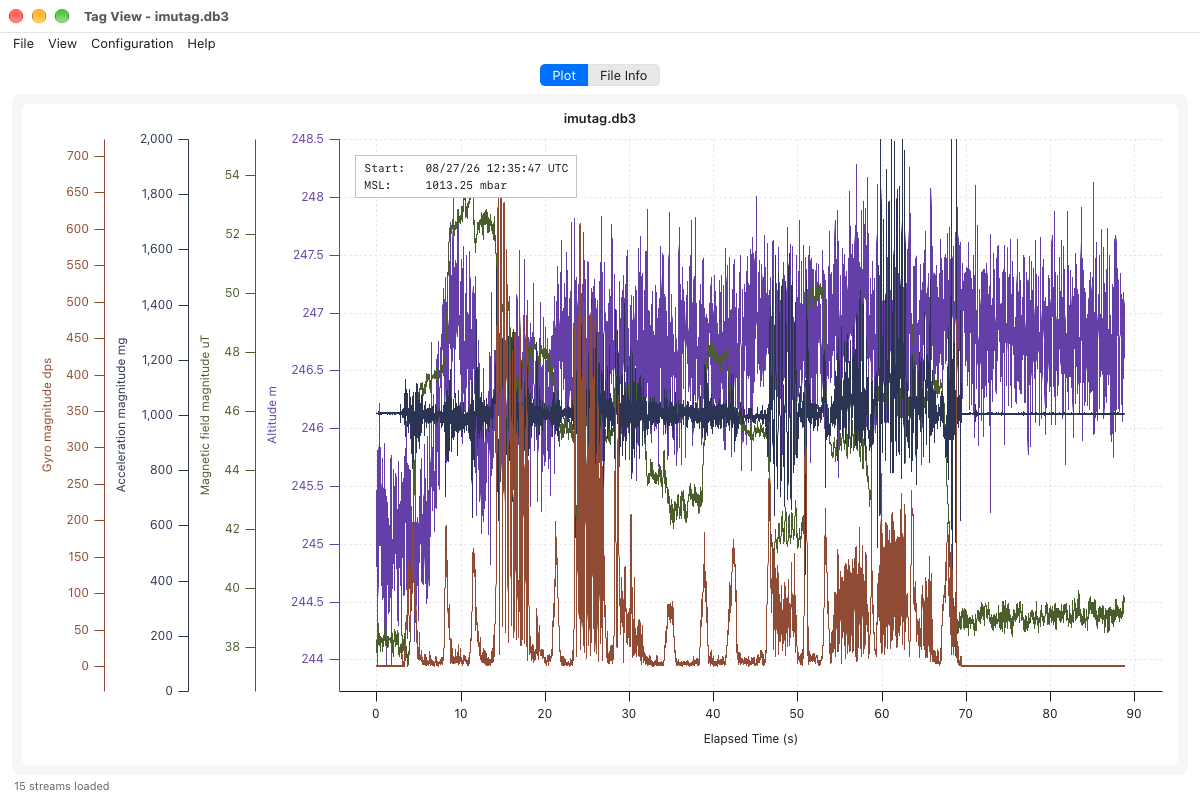
Auto-ranged axes fit the data. An axis with no range of its own spans the visible data with a small margin. In SensorViz such an axis also keeps zero in view, so a trace such as altitude can sit in a thin band of a tall axis; in Tag View it fills the axis.
-
No activity filter. Configuration ▸ Activity Filter is not in Tag View. The activity stream itself is plotted as in SensorViz; use SensorViz for the filtered view.
-
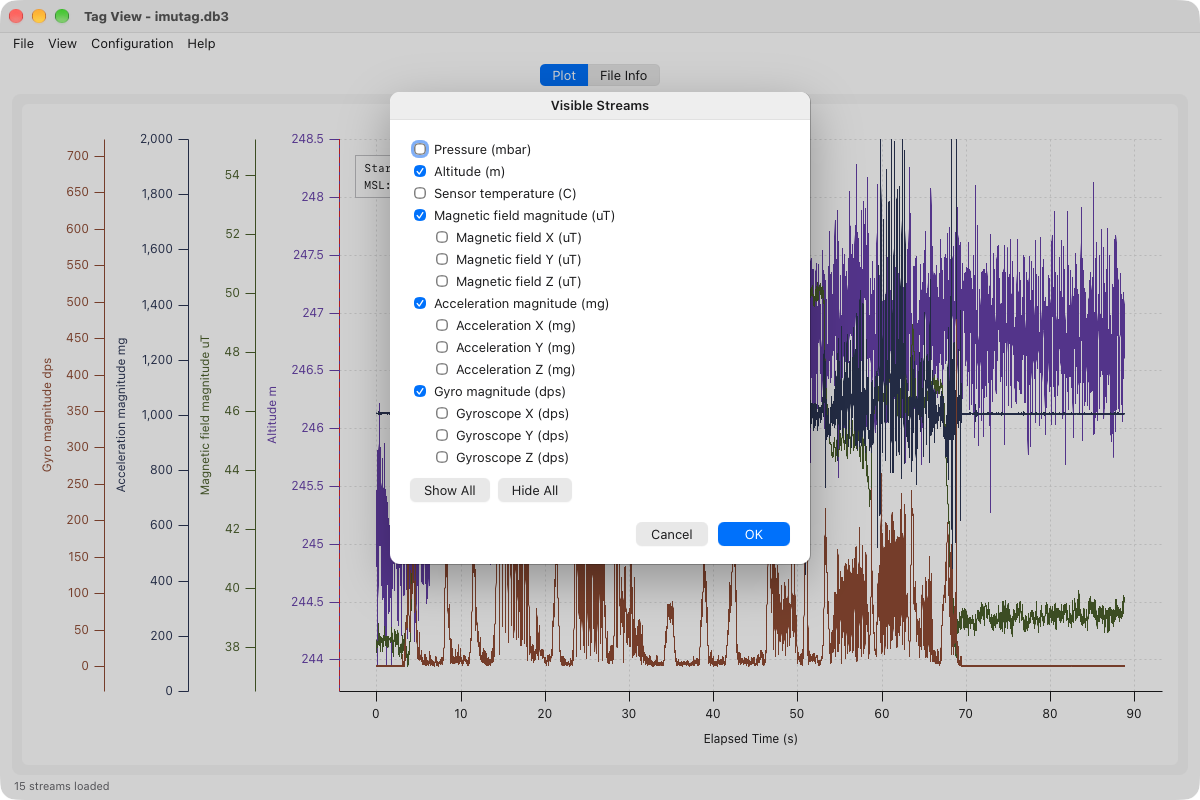
Visible Streams lists each magnitude first, with its X, Y and Z channels indented beneath it.
-
Axis Sides lists each stream, rather than each shared axis. Streams that share an axis move together.
-
The time axis title is on one line.
CompassTag Logs
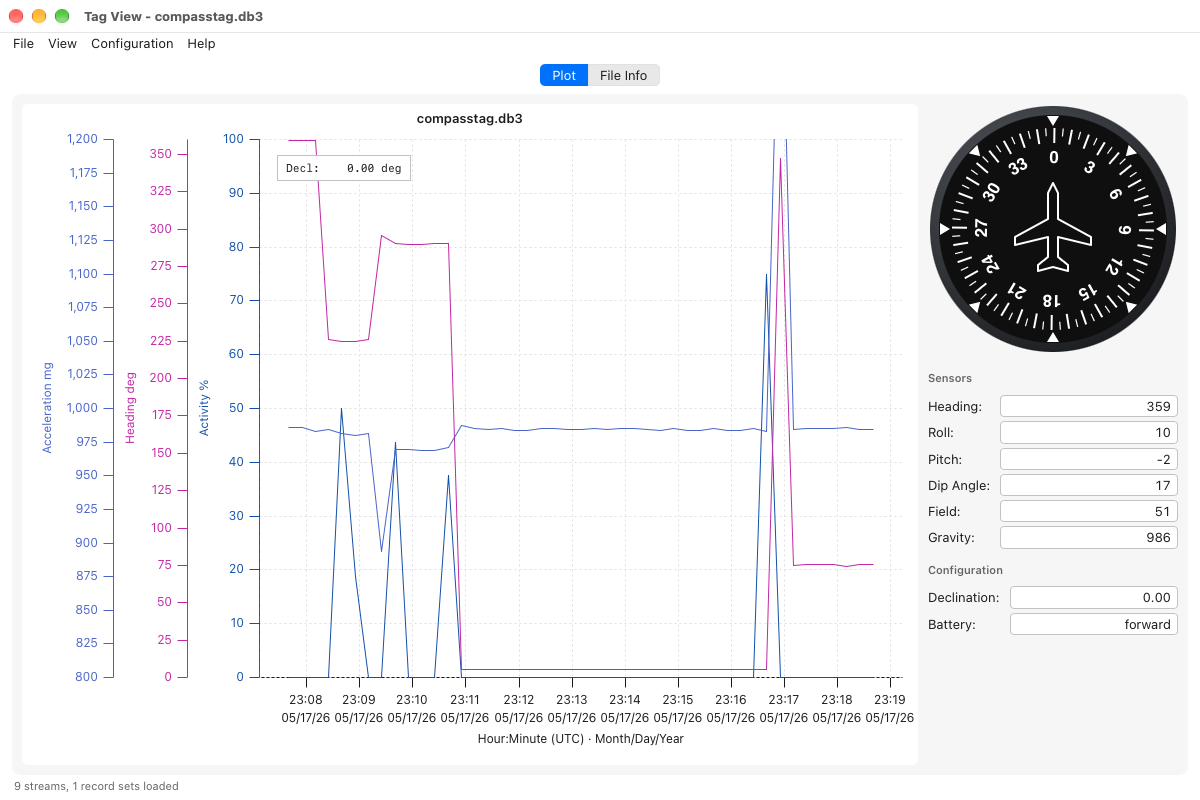
For a CompassTag log with raw compass samples, Tag View shows the compass panel beside the plot, as SensorViz does: the heading dial, the sensor readings and the declination and battery direction. It shows the sample at the cursor as you move over the plot.
Report anything else that behaves differently: the two are meant to agree.