Tag Calibrator
Tag Calibrator is a new build of Qt Calibrate. It calibrates a tag's magnetometer and accelerometer the same way, with the same calculation, and writes the same calibration record to the tag. Everything on the Qt Calibrate page applies, including Reading the Results; this page lists only what differs. Help ▸ Tag Calibrator User Guide opens this page.
The two programs are installed side by side, as qtcalibrate and
tagcalibrate. Use one at a time: both talk to the tag through the base, and
a base answers only one program.
Before You Start
- On Linux, Tag Calibrator needs WebKitGTK 4.1, which GNOME desktops already
have. Elsewhere install it once, for example
sudo apt install libwebkit2gtk-4.1-0on Ubuntu or Debian. Windows 10 and 11 and macOS need nothing extra. - Like Qt Calibrate, it attaches to the tag as soon as it opens. Attaching restarts the tag, which ends a deployment that is running. Only an IDLE tag is calibrated.
- Tag Write is the only command that changes the tag: it adds a calibration record. Nothing else is written.
The Window
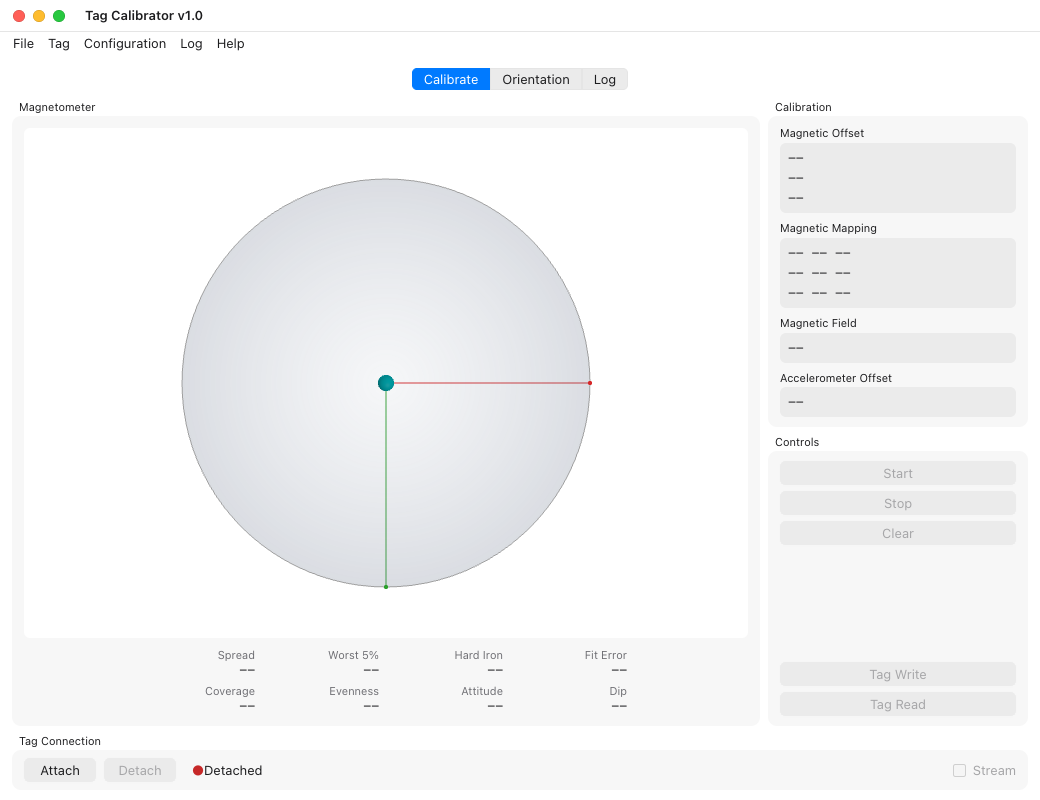
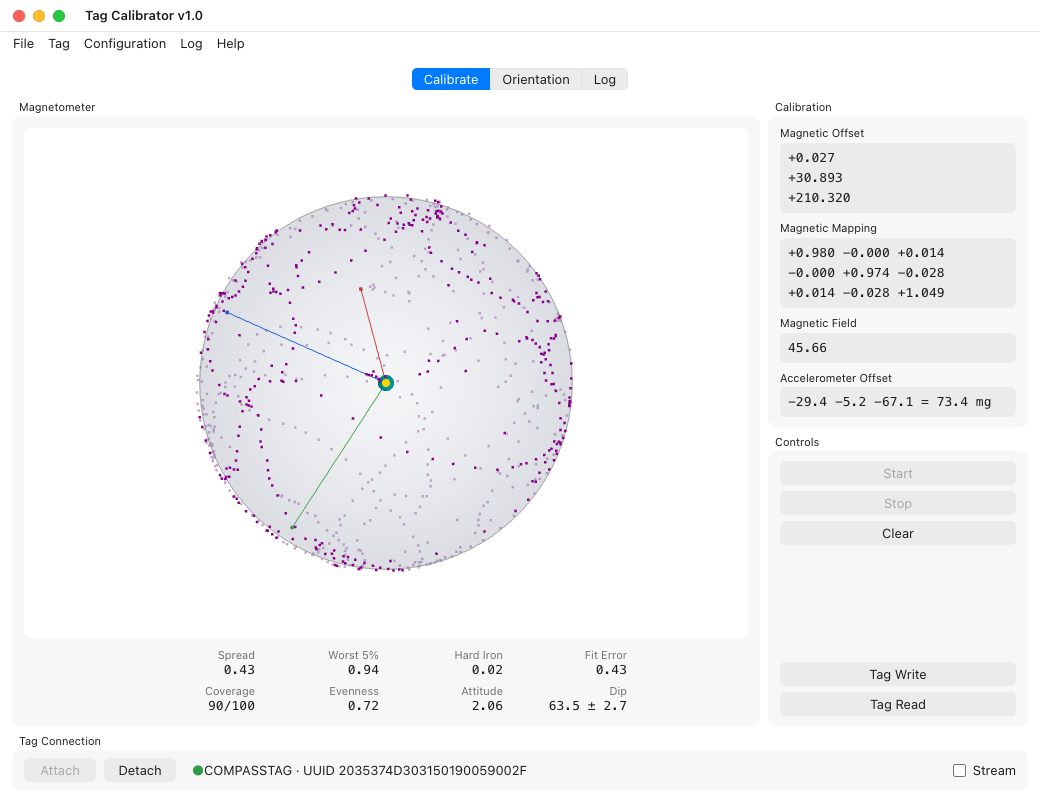
The Calibrate tab has the magnetometer sphere, the quality figures under it, the calibration values and the controls, as in Qt Calibrate. The Tag Connection bar at the bottom attaches and detaches, names the attached tag and its UUID, and turns the Stream on and off.
What Is Different
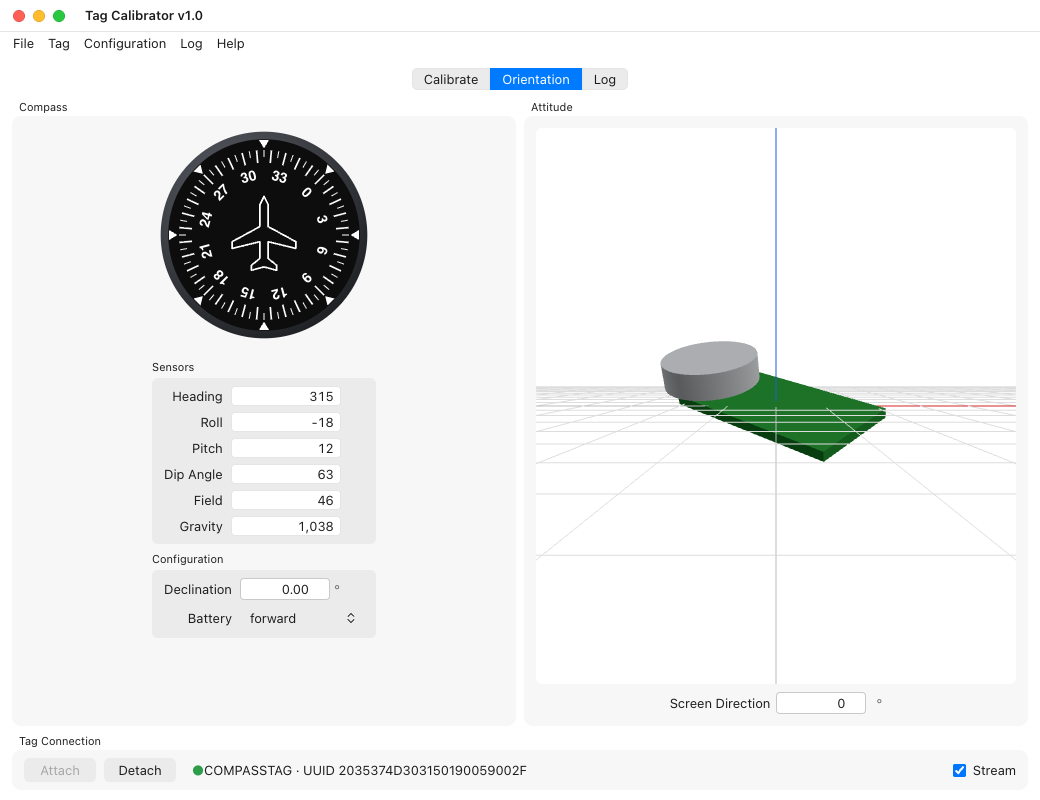
- The pictures are redrawn. The sphere is shaded and scaled as Qt Calibrate draws it; the compass dial and the tag model on the Orientation tab are new drawings of the same views.
- The quality figures are a labelled grid under the sphere.
- A Tag menu has Attach, Detach, Stream and the Calibrate tab's commands, and a Log menu and tab hold the messages, as in Tag Monitor.
- File ▸ Save Sample Capture… saves the same JSON capture as Qt Calibrate's. Qt Calibrate's Save Calibration and Read Data File, which did nothing, are gone.
Report anything else that behaves differently: the two are meant to agree.